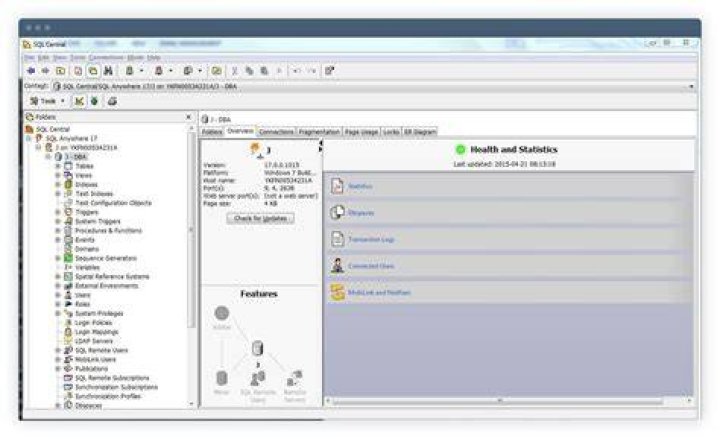
If you are using SAP SQL Anywhere as the Infrastructure Management Database on a Linux operating system, follow the appropriate steps for your shell to set up the environment so that you can run the SAP SQL Anywhere client.
To set up the SAP SQL Anywhere environment and invoke the SAP SQL Anywhere client from a Bourne shell
- Enter
# cd /usr/pw/pronto/bin/ - Enter
# ../.tmprofile - Enter
# cd/usr/pw/sybase/asa/bin32/ - Enter
# . ./sa_config.sh - Enter
# ./dbisqlc
To set up the SAP SQL Anywhere environment and invoke the SAP SQL Anywhere client from a C shell
- Enter
source /usr/pw/pronto/bin/.tmcsh. - Enter
source /usr/pw/sybase/asa/bin32/sa_config.csh. - Invoke the SAP SQL Anywhere client by entering
dbisqlc.